 Offsider
For Australian tradies and small trade businesses
Quote it on site. Get paid by Friday.
Your office, in your pocket.
Quote on site, get paid by card, and keep every job, customer and invoice in one place. An assistant does the typing. It never sends anything without your OK.
We switch your account on within one working day.
No card needed to start. Prices in Australian dollars.
The assistant
Just ask. It does the paperwork.
Tell the assistant what you need in your own words, on the ute or in the kitchen. It looks things up in your business, gets the paperwork ready and waits. Nothing goes to a customer until you tap Approve.
Talk to it while your hands are busy. Your voice is turned into text on our own server and never sent to anyone else.
A quote from a few words
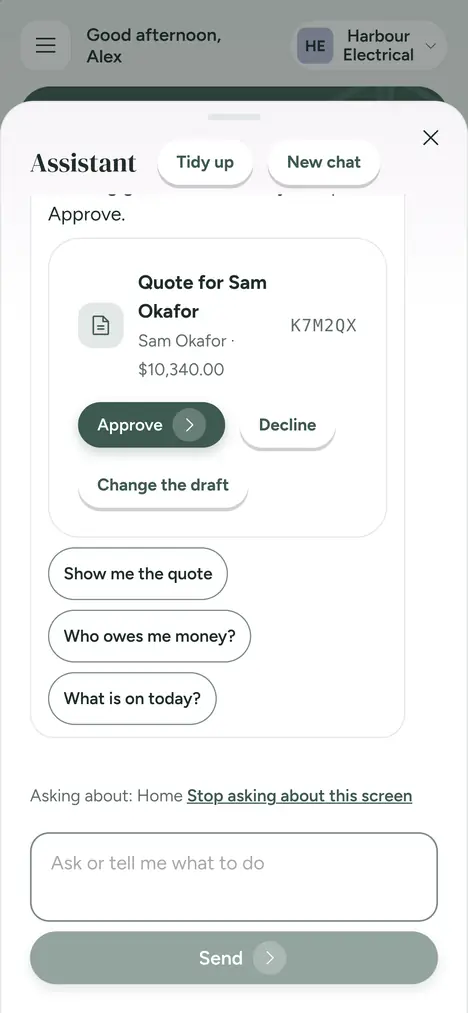
Quote for Sam Okafor. Solar battery install: one day of labour at $900 plus the battery at $8,500.
Done. I have prepared a quote for Sam Okafor: Solar battery quote, $9,400.00 plus GST. It is ready for your approval.
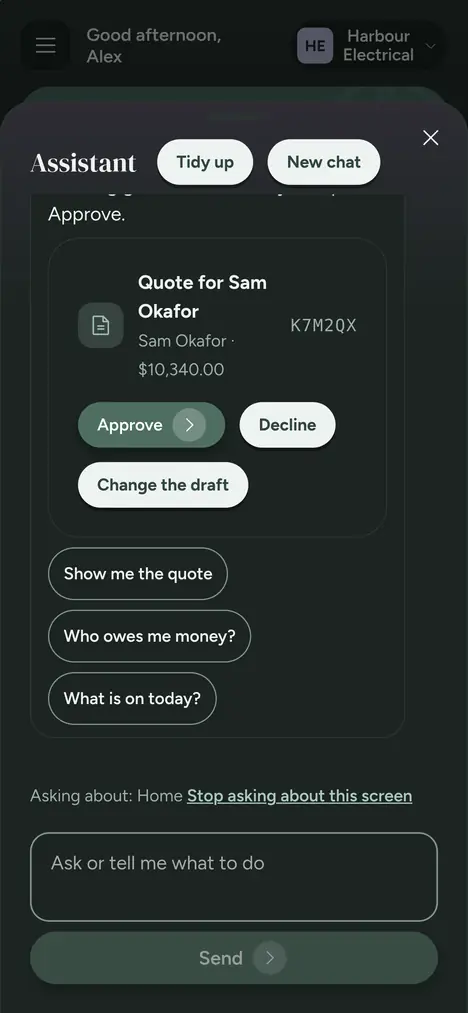
Quote for Sam Okafor
Solar battery quote · $10,340.00 with GST
ApproveDecline
Who owes you, and how late
Who owes me money?
Three customers owe you $3,569.50. Two are late: Dana Wright, $2,359.50, 23 days late, and Minh Tran, $682.00, 9 days late.
Email Dana her invoice.
I have prepared the email to Dana Wright with her invoice. It is ready for your approval.
Send invoice to Dana Wright
By email · $2,359.50 still owing
Approve and sendDecline
Put a job in the diary
Put Priya Nair's ceiling fans in for Thursday at 8.
Scheduled: Install ceiling fans for Priya Nair, Thursday 29 Oct, 8:00 am. It is in your diary. Nobody has been told about it.
A diary entry is only for you, so there is nothing to approve.
Quotes waiting and what is next
What needs me today?
One quote is waiting for a customer to answer, two invoices are late and you have four jobs today. The first is at 7:30.
It looks things up in your business. It does not guess numbers.
Examples, shortened. The assistant uses your own customers, prices and jobs.
On every screen
The round assistant button is on every screen of the app. Ask about the screen you are looking at.
Help when something goes wrong
When a message appears you do not understand, tap Ask the assistant what happened and it tells you in plain words.
Sets up the business with you
It asks one question at a time, looks up your ABN and address, and shows what it would change. Nothing is saved until you tap Save.
Also on Telegram
Link your Telegram and ask the same assistant from your phone's chat. Approvals there are a tap too.
We switch your account on within one working day.
What it can and cannot do is on the features page.
Talk to Offsider in your own language. Your customers always get proper English.
Type to the assistant, or talk to it, in the language you think in. It answers in the same language. Every quote, invoice, email and text your customers receive is written in Australian English, and before anything is sent you see exactly what it says, with a short note in your language so you know what the customer will read.
Spanish, Italian, Greek, Vietnamese, Korean, Chinese, Arabic, Persian, Hindi and Punjabi, as well as English. You choose yours once, under My language in your account.
Typing works in all of them. Talking works in every one except Hindi and Punjabi, where you type for now. Persian voice is still rough, so check the words before you send. Names, addresses, ABNs and amounts are never translated.
Less time on paperwork. More time on the tools.
Quote on site
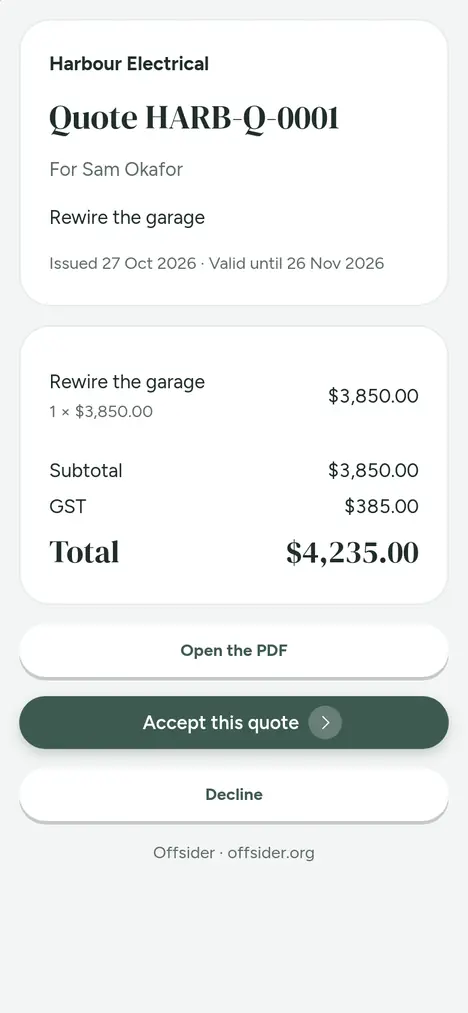
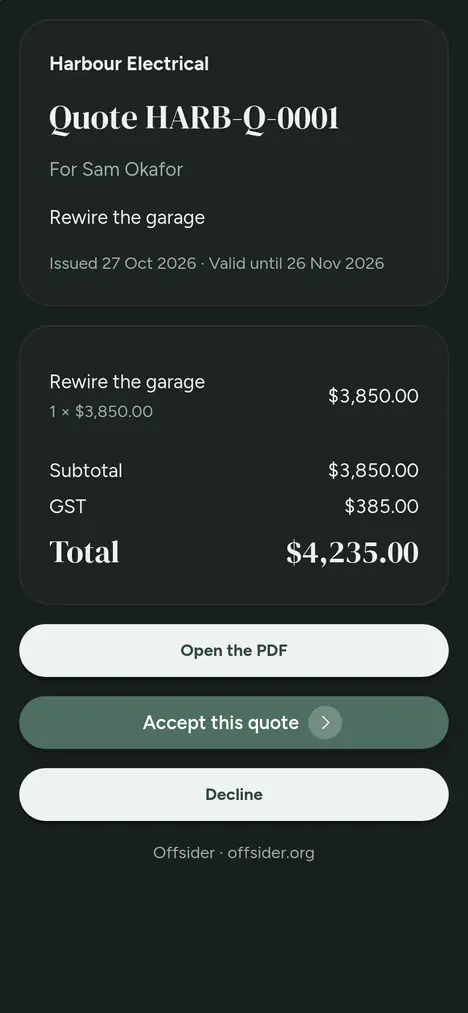
Build a quote on your phone while you are still at the job. Send a link. Your customer says yes on their own phone, with no account to make. GST is worked out for you.
Get paid by card
Customers pay an invoice by card from the same link, straight into your own Stripe account. Bank details are on every invoice too, and you see who owes you and who is late.
An assistant that asks first
Ask for a quote or a reminder in plain words and the assistant drafts it. Anything that would go to a customer waits for your OK. You decide, every time.
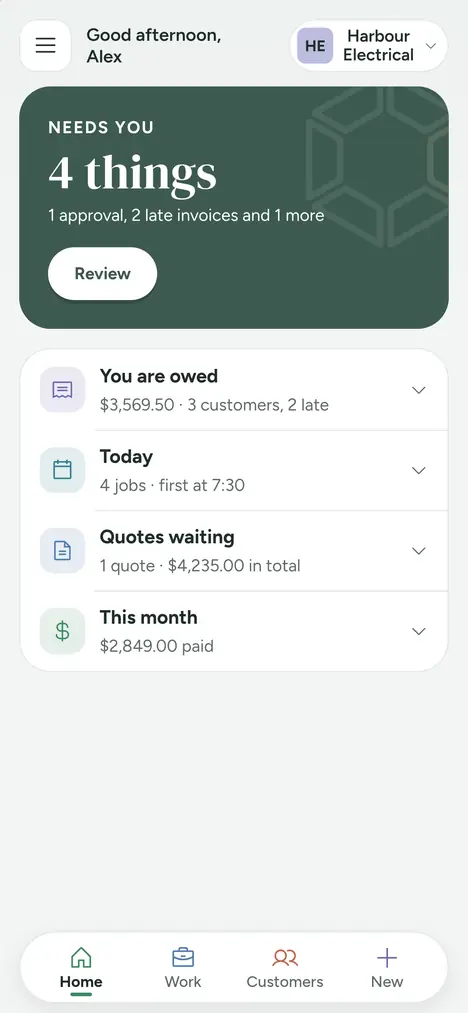
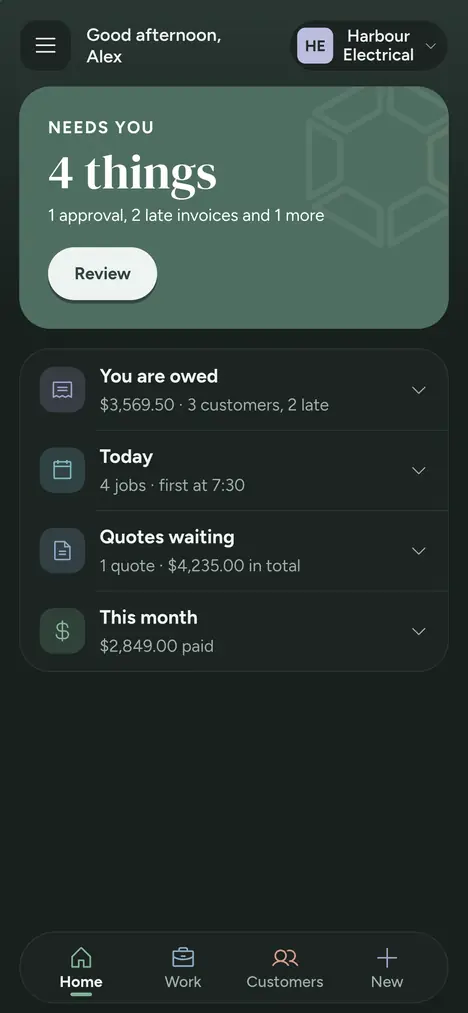
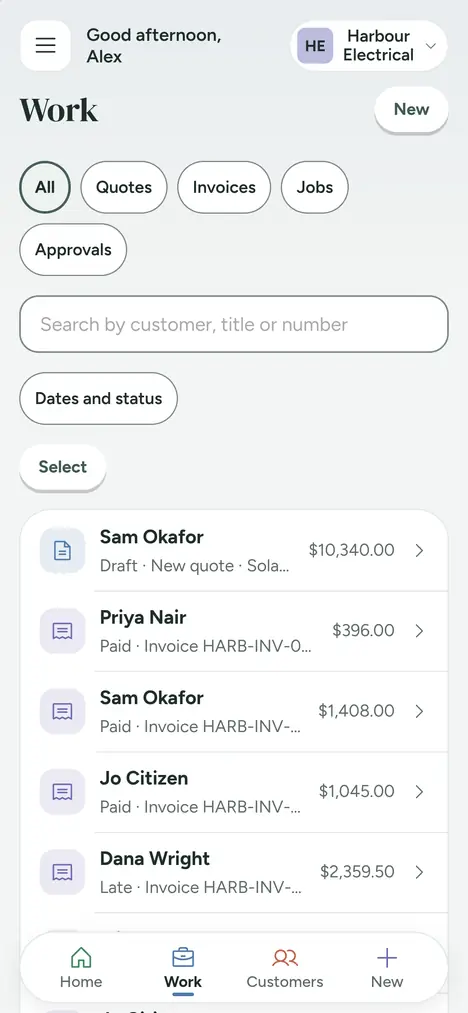
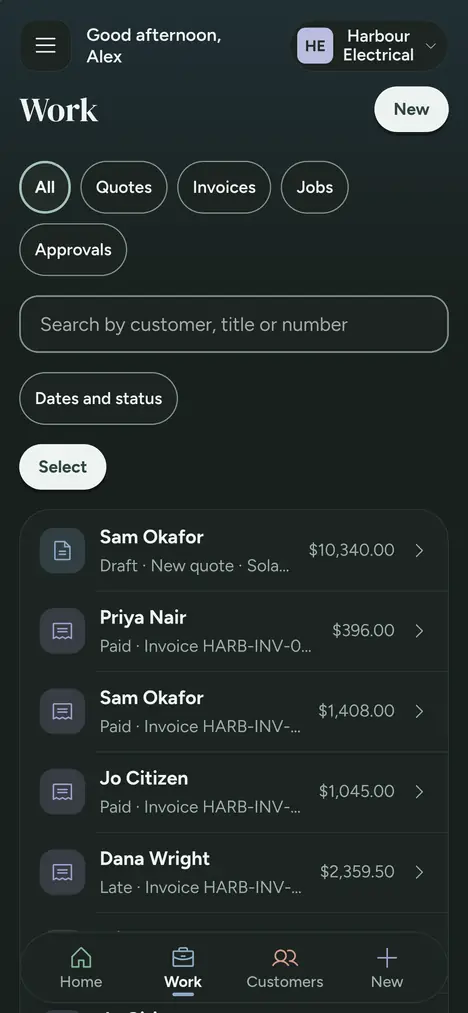
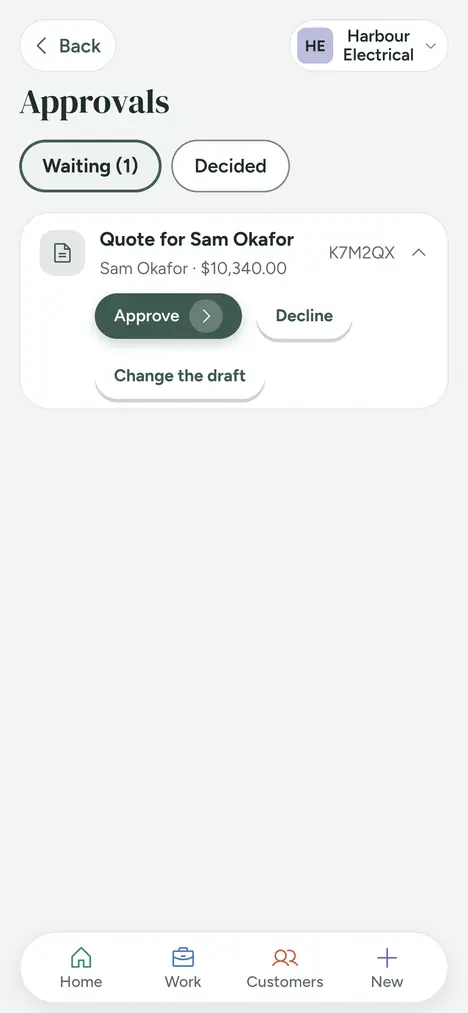
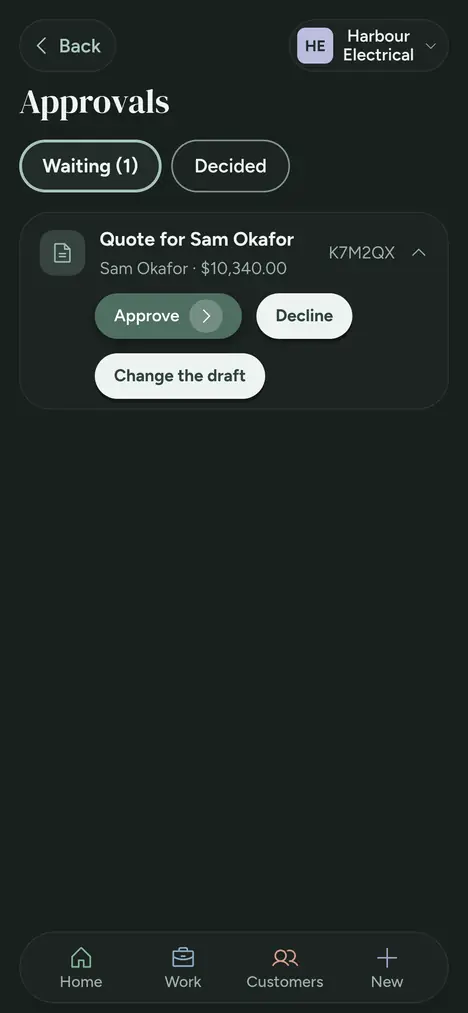
The real app, on a real phone
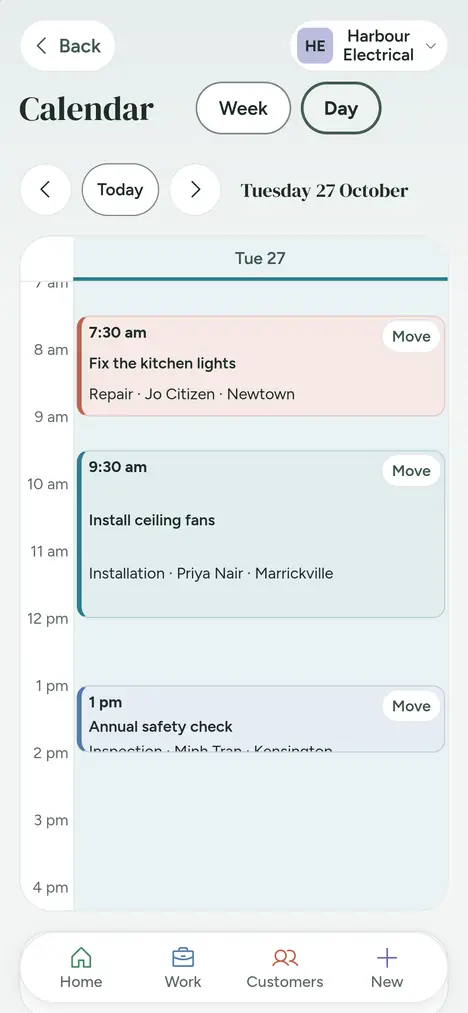
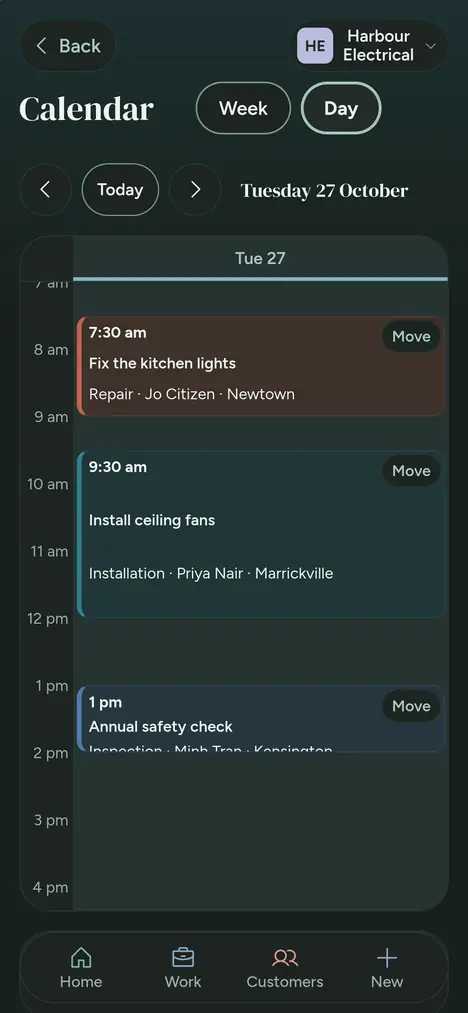
These are pictures of Offsider itself, with the sort of jobs and customers a small electrical business has.
How it works
Set up in minutes
Add your ABN, GST and bank details, and the kinds of work you do. The assistant can suggest a starter price list for you to check and edit.
Quote and book on site
Make the quote, send the link, and book the job when it is accepted. The job goes in your calendar, with the address, photos and notes.
Get paid and move on
Turn the job into an invoice in one tap. Customers pay by card or bank transfer, and Offsider prepares the reminders for the ones who forget.
Built here, for how work is done here
Australian
Australian dollars, ABNs, Australian time zones and addresses. Made by an Australian company, Honyla Pty Ltd.
GST-ready
Quotes and invoices show your ABN and GST, and GST is worked out for you and shown on every quote and invoice. Reports and files for your accountant include it.
Your data stays yours
You can download your customer list and the files your accountant needs whenever you like. We do not sell your data or show ads. See the privacy policy.
Ready to try it on your next job?
Free for 30 days. No card needed. See the plans and prices.
We switch your account on within one working day.